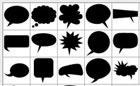
Photoshop Styles: Click on the Download buttons for these Free Photoshop font and shape Styles. * These Styles are developed by Pencil Pixels are not for resale. By downloading these files, you agree to, and are bound by these terms.
If you wish to repost, or social network the images, please link to this page for the downloads and tag them as 'Styles by Pencil Pixels'.
For styles that are best suited for text fontswe have numerous free style downoads here.
Downloads*
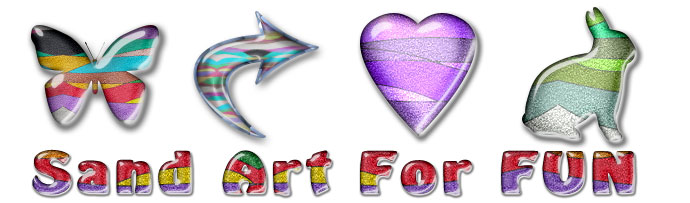
Sand Art Styles
Satin Styles
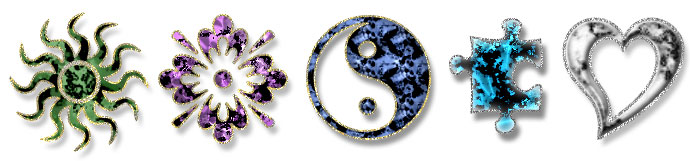
Tie Tac Styles
ICE Styles
Pendant Styles
Horizon Styles including Shiny and Flat
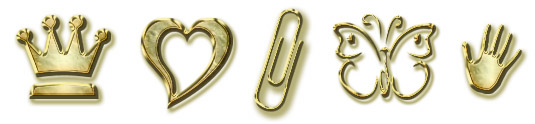
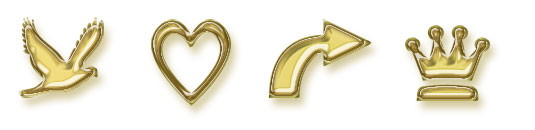
Gold Style
The styles were developed for screen resolution. If you are using a style on a very large or very small graphic, shape or font, you may need to scale the style effect higher or lower. You can do that by selecting 'Layer' >> 'Layer Style' >> 'Scale Effects ...' from the drop down menu. Once a style is applied to a shape or text, by selecting 'Scale Effects ...' you can change the appearance of the effect. At left is the style scaled ~ 30%, Normal 100% and ~250%
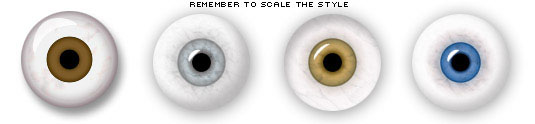
Eyeball Styles - Draw a circle, fill with White and apply the style - Scale as needed
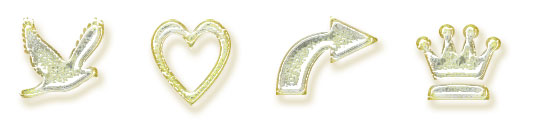
White Glass Style
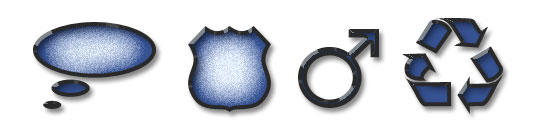
Blue Style
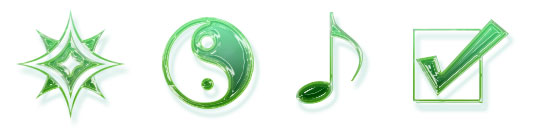
Green Plastic Style
Gold Style
Like us on FB & know when NEW/FREE effects and styles are available.
Please contact us if you have problems in downloading, encounter any issues or have suggestions. Be sure to indicate if you're on Mac or Windows and the version of Photoshop you are running